
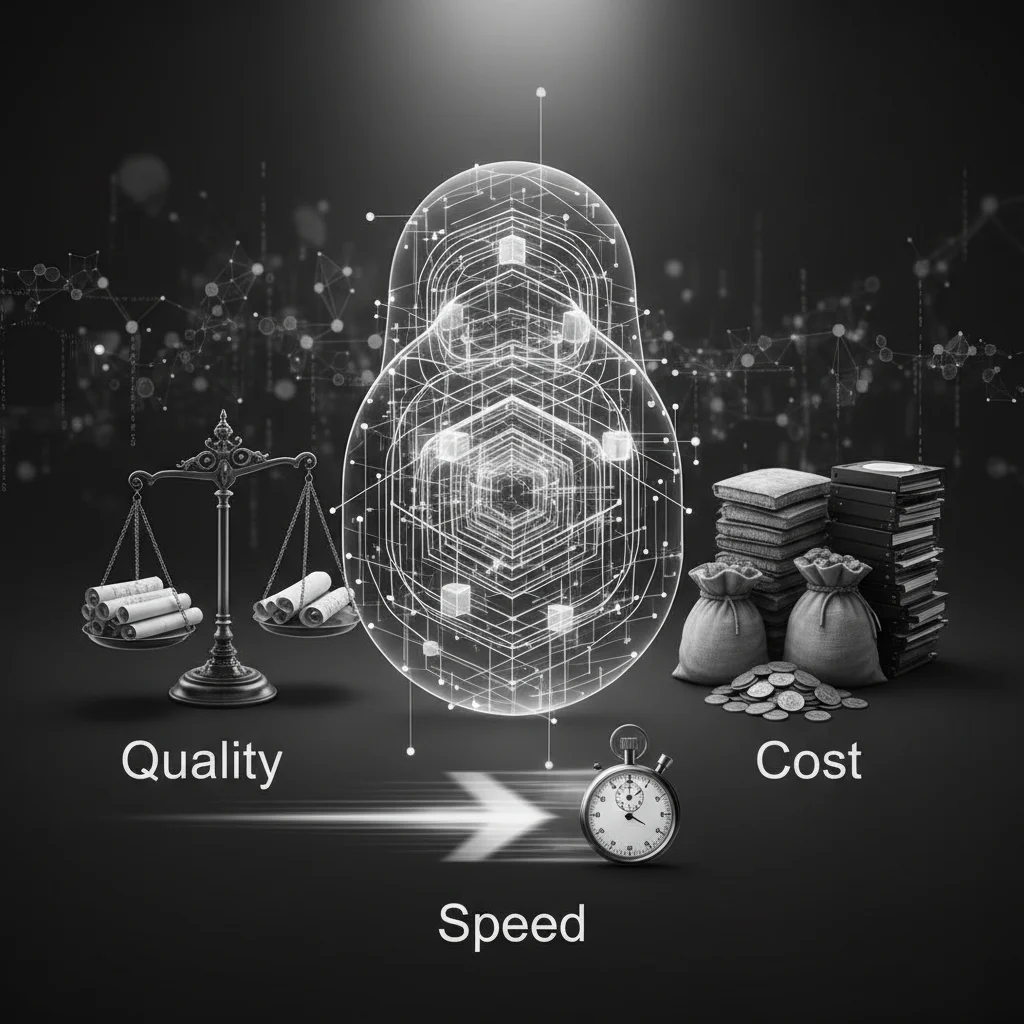
Understanding Vector Dimensions: Balancing Quality, Cost, and Speed
In the world of semantic search and Generative AI, embeddings are the engine under the hood. They translate complex data—like text, images, or audio—into arrays of numbers called vectors.
One of the most critical decisions you will make when designing a vector search system is choosing the dimensionality of these vectors. But what exactly are dimensions, and how do you decide how many you need?
What is a Vector Dimension?
Mathematically, an embedding is a list of floating-point numbers. The "dimension" is simply the length of that list.
If you have a 3-dimensional vector, it might look like a point in physical space (X, Y, Z). However, modern embeddings often have hundreds or thousands of dimensions.
import numpy as np

# A simple 3-dimensional vector
vec_low_dim = np.array([0.85, 0.12, -0.55])

# A standard OpenAI text-embedding-3-small vector has 1536 dimensions
# It captures 1536 distinct "features" or semantic nuances of the text.
vec_high_dim = np.random.rand(1536)

print(f"Low Dim Shape: {vec_low_dim.shape}")
print(f"High Dim Shape: {vec_high_dim.shape}")
Think of dimensions as features. A low-dimensional vector might only capture broad concepts (e.g., "animal" vs. "vehicle"). A high-dimensional vector captures nuance (e.g., "animal" -> "mammal" -> "canine" -> "golden retriever" -> "sitting loosely").
The Trade-off Triangle: Quality, Cost, and Speed
When choosing a model and its dimensionality, you are constantly balancing three factors.
1. Quality (Information Retention)
Higher dimensions generally equal higher quality.
A vector with 1536 dimensions can encode more semantic relationships than one with 64 dimensions. If you compress a vector too much, distinct concepts may collapse into the same space, leading to inaccurate search results.
2. Cost (Storage and Memory)
Vectors take up space.
Most vector databases store embeddings as 32-bit floating-point numbers (float32), where each number requires 4 bytes. You can calculate your storage requirements with this formula:
Let's look at the difference between a small model and a large one for 1 million documents:
- 384 Dimensions (e.g.,
all-MiniLM-L6-v2): - 1536 Dimensions (e.g., OpenAI
text-embedding-3-small): - 3072 Dimensions (e.g., OpenAI
text-embedding-3-large):
If you are running in-memory (RAM) on a cloud instance, the jump from 1.5GB to 12GB significantly impacts your infrastructure bill.
3. Speed (Latency)
Calculations take time.
Vector search relies on distance metrics like Cosine Similarity or Euclidean Distance. These require mathematical operations on every dimension. A dot product on a 3072-dimensional vector takes roughly 8x longer than on a 384-dimensional vector. While approximate nearest neighbor (ANN) algorithms (like HNSW) mitigate this, index build times and query latencies still scale with dimensionality.
Matryoshka Embeddings: The Best of Both Worlds?
Recently, models like OpenAI's text-embedding-3 series and open-source alternatives have introduced Matryoshka Representation Learning (MRL).
This technique trains models so that important information is front-loaded in the vector. This allows you to "slice" the vector to a smaller size while retaining most of the performance.
def get_shortened_embedding(full_embedding, target_dim):
    """
    Slices a high-dimensional embedding down to a target size.
    Assumes the model supports Matryoshka Representation Learning.
    """
    # Normalize after slicing is usually recommended for cosine similarity
    sliced = full_embedding[:target_dim]
    norm = np.linalg.norm(sliced)
    return sliced / norm

# Imagine this is a full 1536-dim vector
full_vec = np.random.rand(1536)

# We can use just the first 256 dimensions to save cost
compact_vec = get_shortened_embedding(full_vec, 256)
Benchmarks show that text-embedding-3-large shortened to 256 dimensions still outperforms the older text-embedding-ada-002 at full size (1536 dims) on some tasks.
How to Choose?
- Start with the defaults: For most applications, standard dimensions (768 or 1536) are fine.
- Calculate your scale: If you have 100M vectors, 1536 dimensions will cost you ~600GB of RAM. You might need to reduce dimensions or use quantization (storing floats as integers).
- Test Matryoshka slicing: If you need speed but want the option for quality later, store the full vector on disk (cold storage) and use a sliced version (e.g., 256 dims) in your RAM index for search.
By understanding the math behind the dimensions, you can build a search experience that is both semantically rich and cost-effective.